.png)
Cybersecurity Solutions / VPN App Development
Developing...
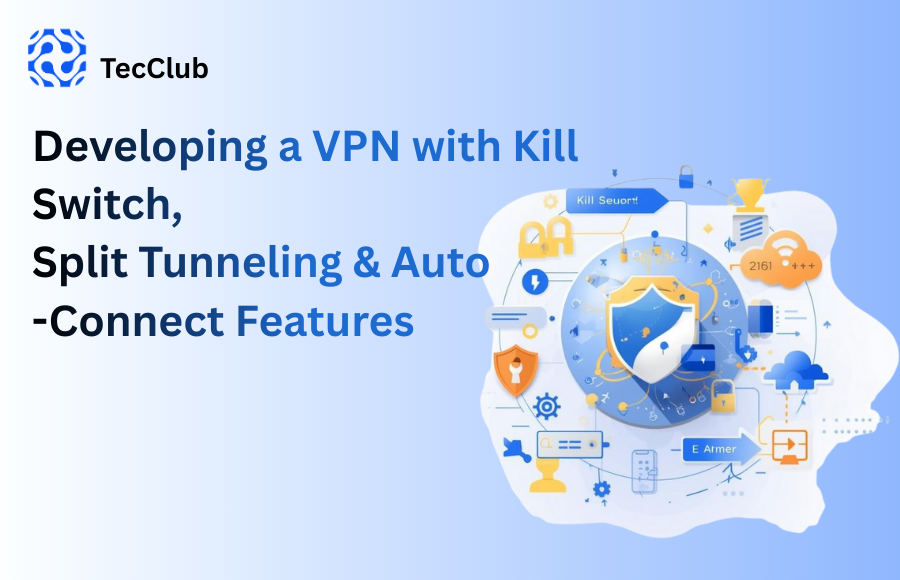
Creating a modern VPN isn’t just about encryption algorithms and protocols anymore. Today’s users want something deeper: peace of mind, effortless protection, and an app that feels smart enough to take care of them without constantly being told what to do.
That’s why, when we build VPN apps, we focus heavily on three features that truly shape a premium, reliable, and user-friendly VPN experience: Kill Switch, Split Tunneling, and Auto-Connect.
These features may look like simple toggles in the settings, but behind them is a blend of thoughtful engineering, clever automation, and a lot of attention to the small details that make a VPN feel trustworthy.
Let’s break down how we bring them to life.
A Kill Switch is like having a loyal bodyguard standing next to your internet connection 24/7.
If the VPN tunnel drops—even for a blink—your internet gets blocked instantly. No accidental leaks, no exposure, no surprises.
We approach the Kill Switch from two angles, so users get complete protection:
This is where the operating system helps enforce strict routing:
Android: We use VpnService APIs to ensure every packet goes through the encrypted tunnel—and nowhere else.
iOS: Network Extension frameworks allow us to lock down traffic at the system level.
This is the “deep integration” layer that keeps everything airtight.
This is our extra shield on top:
It monitors VPN status in real-time
Cuts off Wi-Fi or mobile data the moment something breaks
Blocks all traffic until the VPN is safely reconnected
Think of it as a second lock on your front door.
Whether the server drops, Wi-Fi glitches, or you switch networks, your data never leaks for even a second. The protection stays exactly where it should—around you.
Split Tunneling is all about giving users freedom. Not every app needs the VPN, and sometimes local traffic needs to bypass it for speed or compatibility.
Instead of forcing everything through one pipe, Split Tunneling lets users choose what goes where.
We support two modes to give users total control:
Users can choose apps that:
should use the VPN
or should skip it altogether
Under the hood:
Android: Uses addAllowedApplication() / addDisallowedApplication()
iOS: Uses per-app VPN configurations
It sounds technical, but in the UI, it feels effortless.
For more advanced setups:
Users can route specific websites through the VPN
Local banking apps can bypass it
Streaming sites can get faster speeds
Intranet tools stay local
It’s precision routing—without the complexity.
Split Tunneling improves:
Speed
Streaming quality
Battery life
Access to local networks and services
It makes the VPN feel lighter, smarter, and more personalized.
Let’s be honest: most people forget to turn on their VPN. Not because they don’t care—life just gets busy.
That’s why Auto-Connect exists. It keeps users protected before they even realize they need it.
We create a system that reacts intelligently:
The moment the device joins:
a café hotspot
airport Wi-Fi
hotel networks
any unsecured access point
…the VPN switches on automatically.
If the phone restarts, the VPN restarts with it—no waiting, no tapping.
For users who love automation:
VPN ON at airports
VPN OFF at home
VPN ON in new or unknown locations
Using geofencing, the VPN adapts to how users live.
They stay protected everywhere, effortlessly, without having to remember anything.
When we build VPNs with these features, we focus on experience as much as engineering.
Users should understand everything at a glance.
No confusing jargon. No clutter.
Just clear, simple, intuitive controls.
We typically use:
Laravel for secure backend APIs
Multiple VPN protocols (WireGuard, OpenVPN, IKEv2, Shadowsocks, VLESS)
Load balancing
Health checks
Optimized routing
So the service doesn’t just work—it stays steady.
To ensure Android and iOS feel the same:
We use Flutter for UI
Dart for clean logic
Kotlin & Swift for deep native features
Everything syncs perfectly.
We implement:
DNS leak protection
IPv6 handling
Failover mechanisms
Encrypted on-device storage
Because trust isn’t optional—it’s required.
People want more than just a VPN switch.
They want:
No leaks
Smooth performance
Smart automation
Custom control
Protection they don’t have to think about
Kill Switch, Split Tunneling, and Auto-Connect aren’t just additions—they’re the backbone of a VPN that feels modern, dependable, and built with real people in mind.
And that’s exactly the kind of VPN experience we deliver.

© TecClub 2025 | All Rights Reserved